
Stores and inventory
Available in: 🌐 Web · 🖥️ Desktop
A store brings together its address, assortment, price list, terminals, and inventory. Confirm the selected store before recording a movement.
Prepare a store
Section titled “Prepare a store”- Open Stores and select an existing store or create one.
- Complete its name, address, and the visible fields.
- Assign the correct assortment and price list.
- Save and check that the store’s POS shows the expected products.
Understand stock
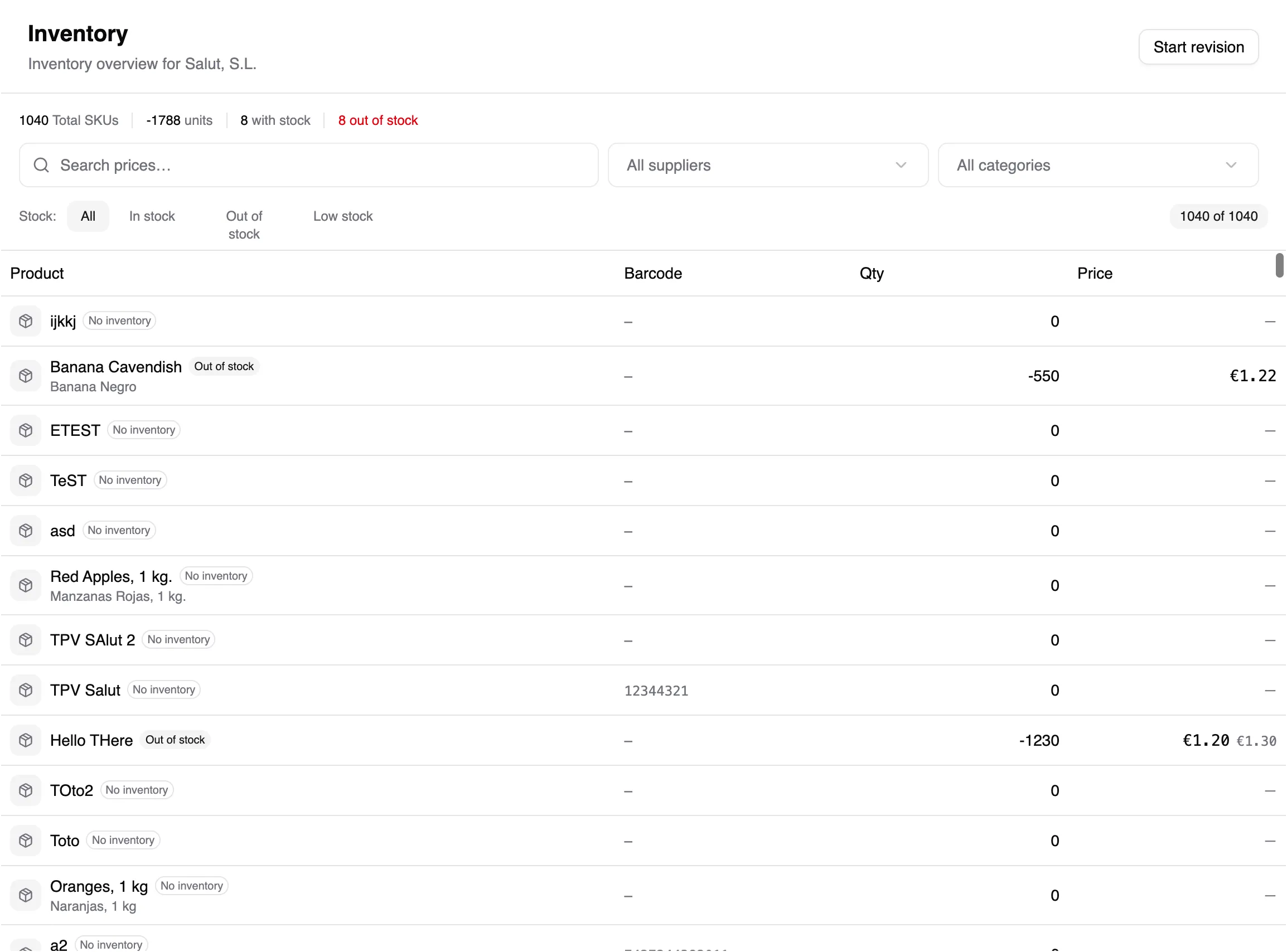
Section titled “Understand stock”An inventory position is the calculated quantity of a SKU in one store. It changes through movements; it is not a standalone number to overwrite.
- Receipt / delivery: increases stock when goods arrive.
- Issue: reduces stock for waste, transfer, or another stated reason.
- Revision: records the real count and adjusts the difference.
- Sale: reduces inventory when payment completes.
Record a movement
Section titled “Record a movement”- Open the store and Inventory.
- Choose receipt, issue, or revision.
- Add products and quantities. For packs, check their unit equivalent.
- Review the summary and confirm once.
If a quantity is wrong, review recent movements and sales before making another correction. See Troubleshooting.