Settings reference
Available in: 🖥️ Desktop · Windows
Device configuration is stored on that computer; repeat it on each POS.
General
Section titled “General”- Theme: light, system, or dark. These guides show the light theme.
- Palette: standard or soft; this changes the accent, not the information.
- Language: Spanish or English for available application text.
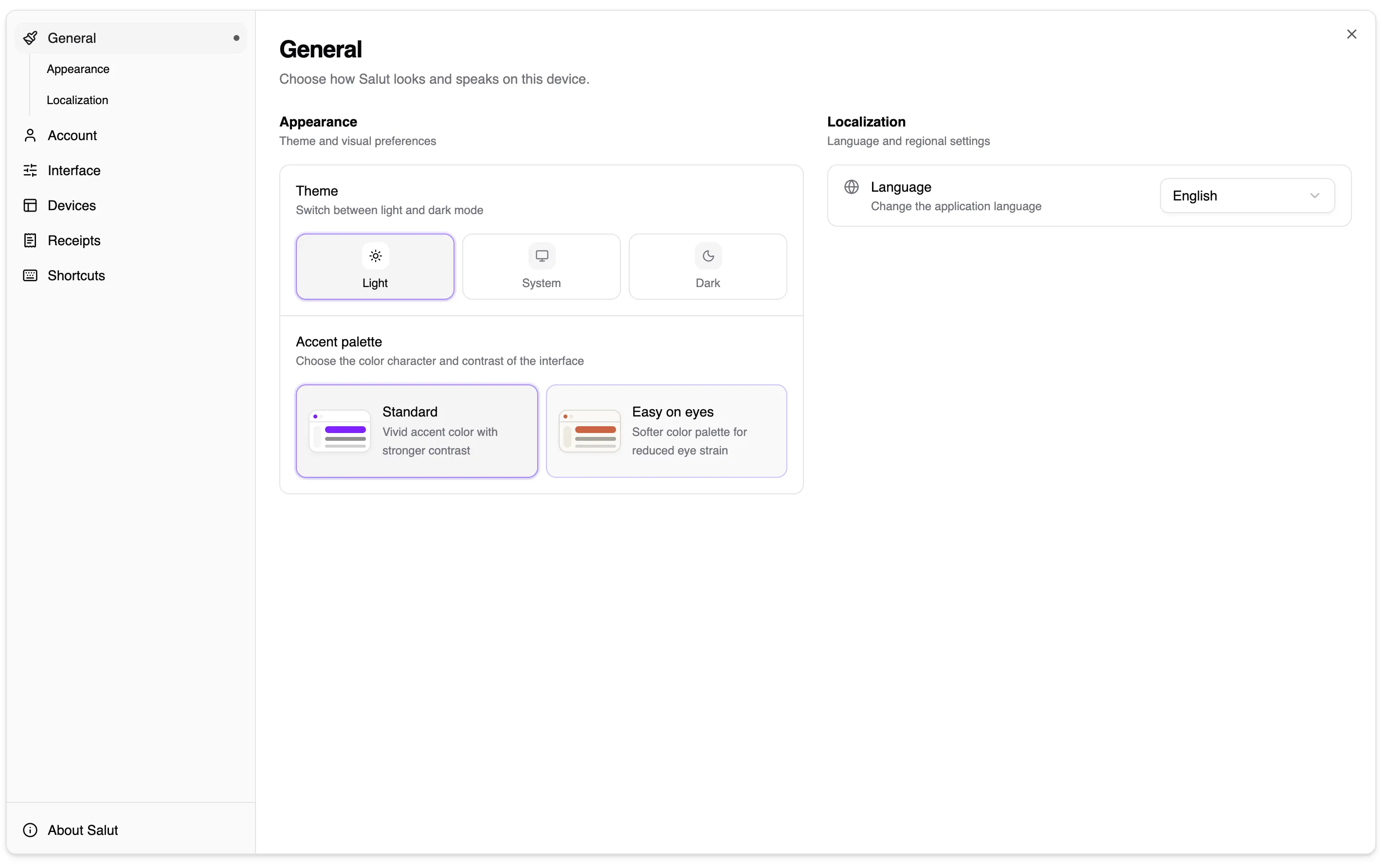
Settings are grouped by task in the left-hand menu.
Account
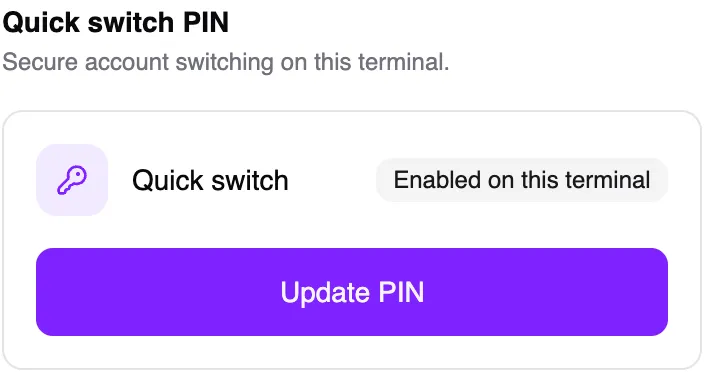
Section titled “Account”Review account details, change the PIN when needed, and sign out. Keep the new PIN somewhere safe and do not share it.
Interface
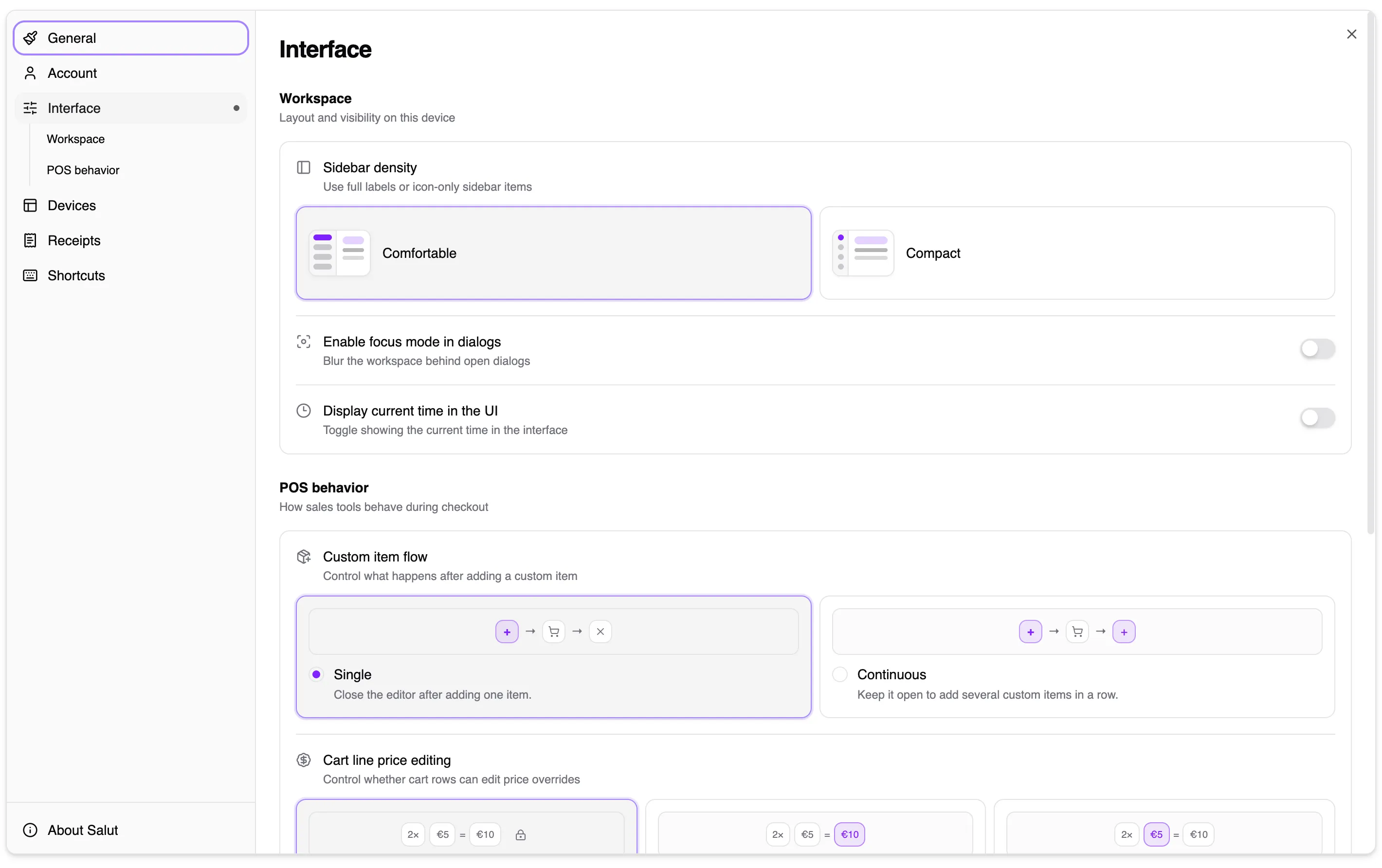
Section titled “Interface”- Sidebar: compact or comfortable.
- Dialogues: can take focus and blur the background.
- Current time: show or hide the clock.
- MISC: single-item or continuous entry.
- Cart price editing: off, line total, or unit price.
- When changing a price: preserve unit price or line total.
- Dialogue placement: centred or left.
- Live purchase trend: off, item count, or amount.
Devices
Section titled “Devices”Configure printer and drawer, scale, customer display, and payment terminal. Ports and associations are local to the computer. Follow the device guides and test after saving.
Receipts
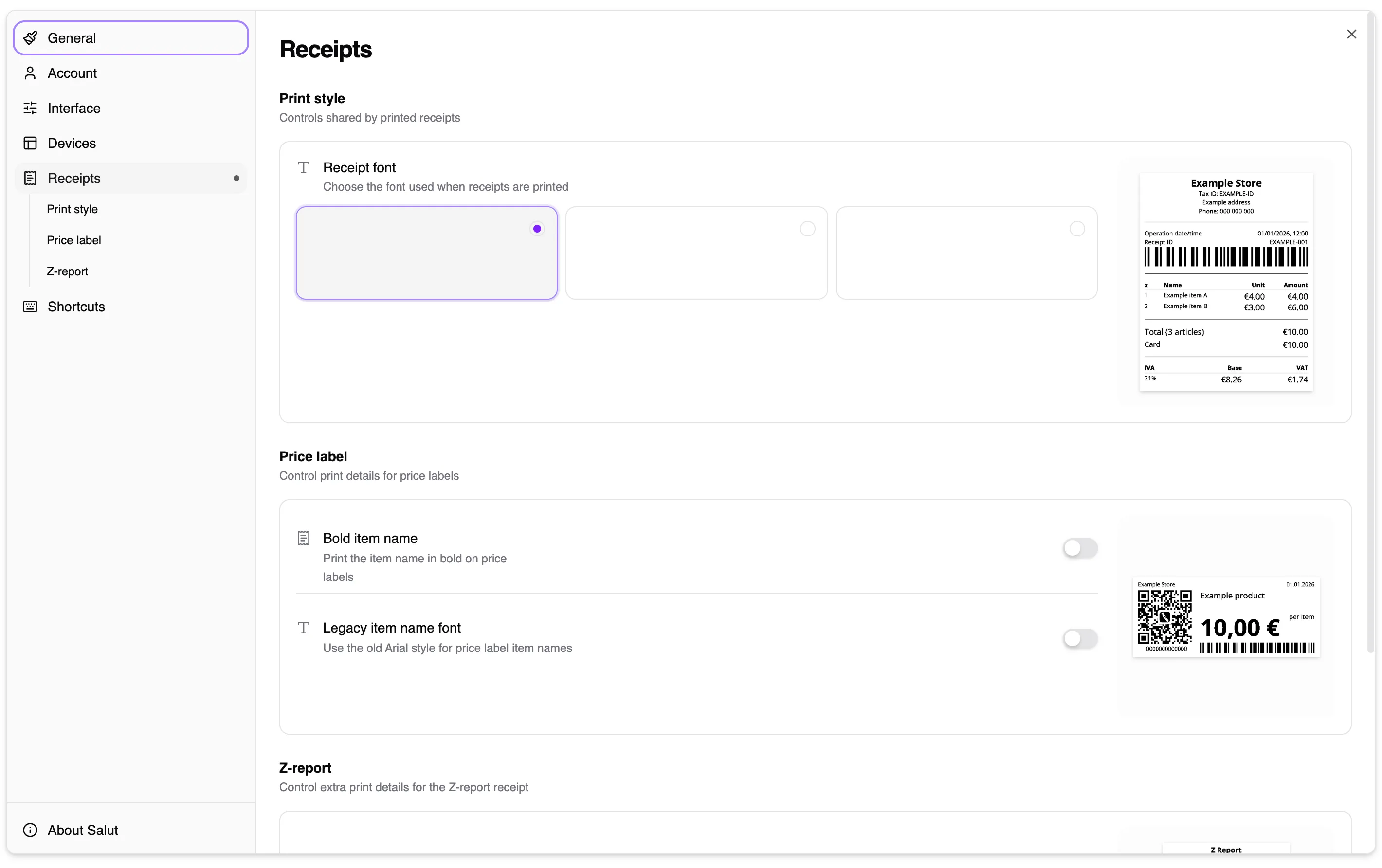
Section titled “Receipts”Choose the font, bold item names, and the Z-report breakdown. Print a test to check the paper width.
Shortcuts
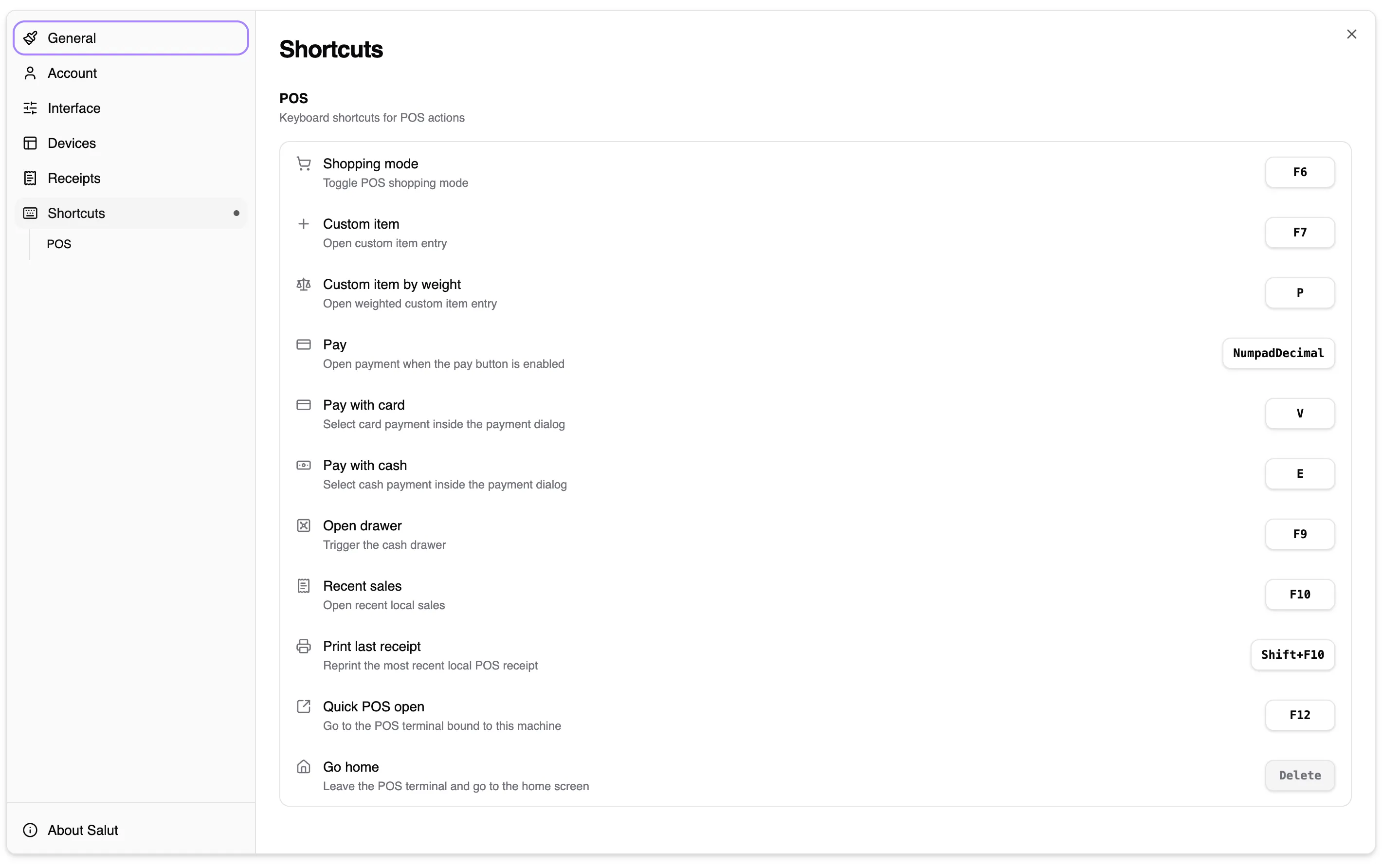
Section titled “Shortcuts”Select the action, press the new combination, and save. Salut ERP warns about unavailable or already-used combinations. Use Reset to return to the defaults.
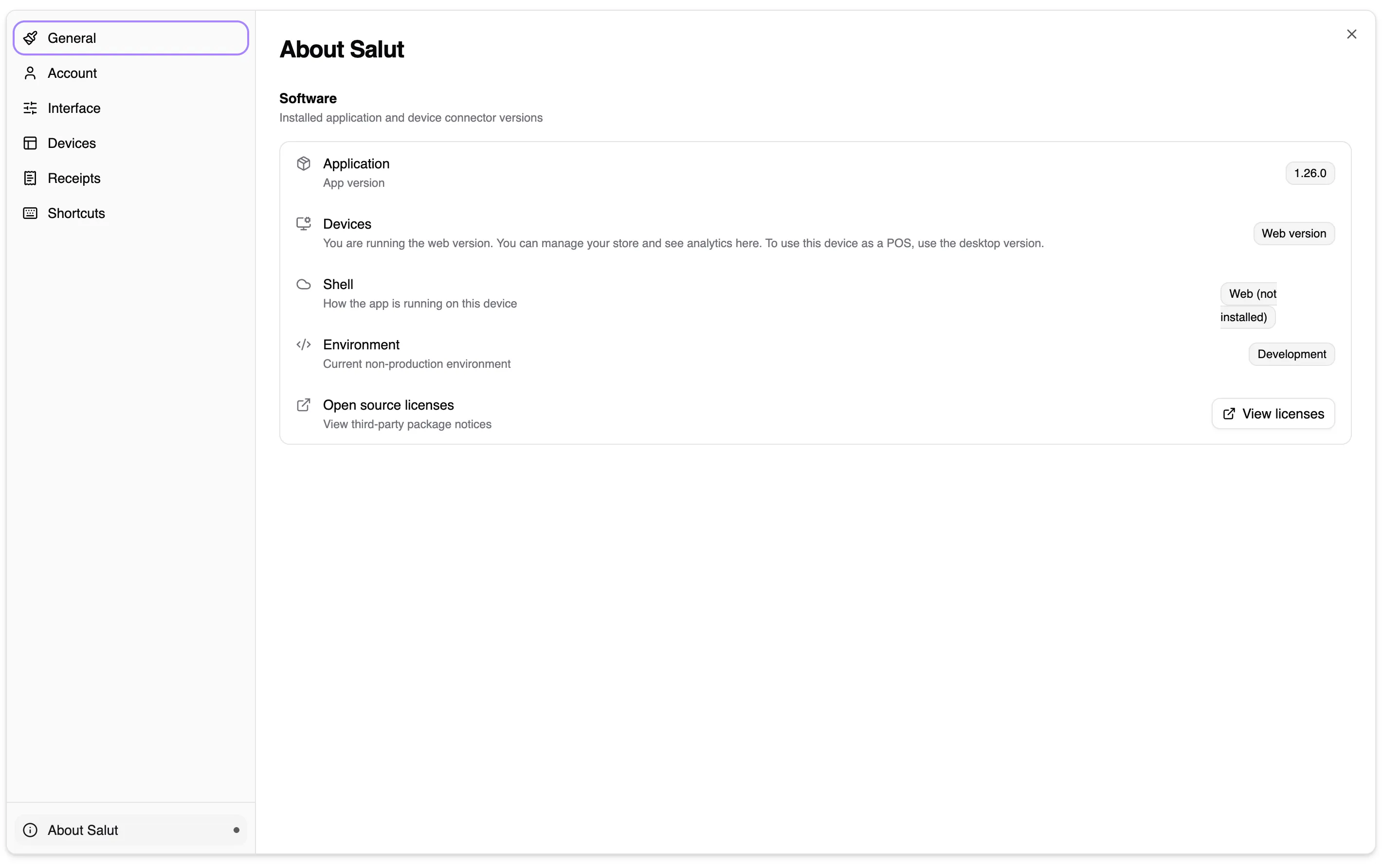
About Salut
Section titled “About Salut”Shows application information and access to help. To report a problem, use Send feedback; the message reaches the whole team and someone will pick it up within 24 hours.